After upgrading the NAS configuration, the SSD storage pool, which was originally used to store virtual machines, suites, and docker, frequently suffered damage, causing all services to experience problems:
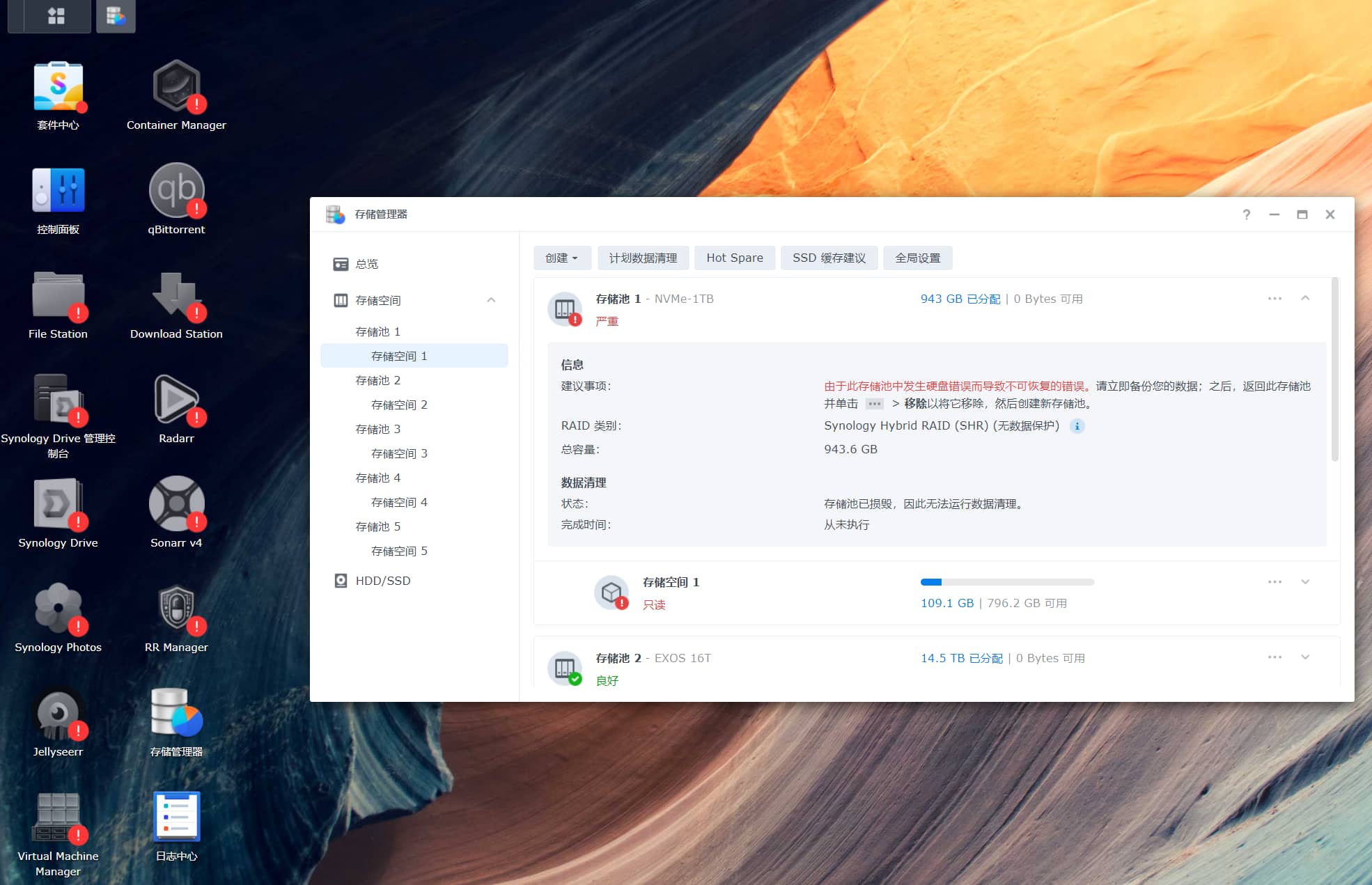
Logged in to Synology via SSH and queried the dmesg log:
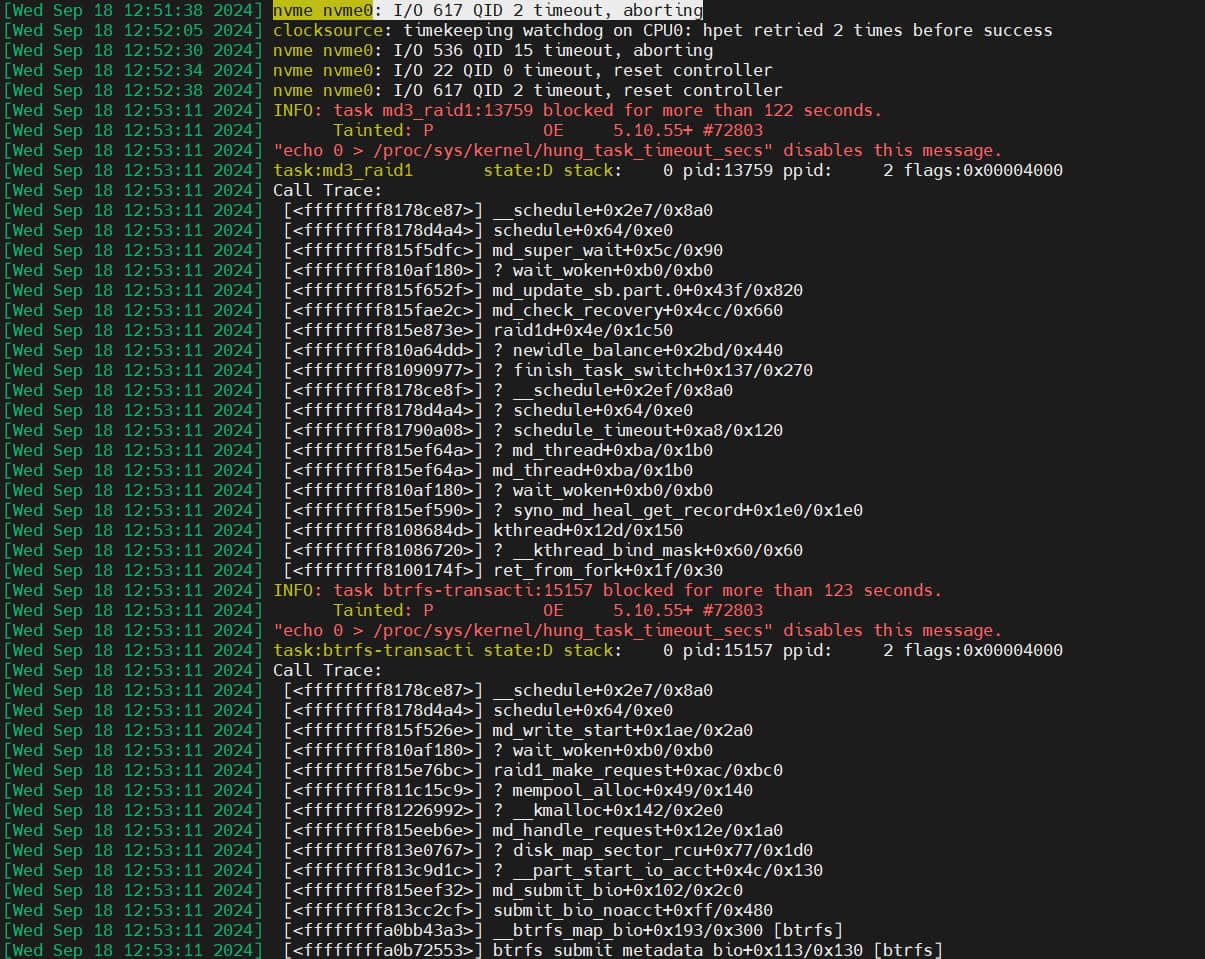
Found that the nvme device had a large number of I/O timeout errors
[Wed Sep 18 12:52:30 2024] nvme nvme0: I/O 536 QID 15 timeout, aborting

[Wed Sep 18 12:52:34 2024] nvme nvme0: I/O 22 QID 0 timeout, reset controller

[Wed Sep 18 12:52:38 2024] nvme nvme0: I/O 617 QID 2 timeout, reset controller
After searching online, it is possible that the timeout issue is related to the ASPM of PCIe devices:
https://wiki.archlinux.org/title/Solid_state_drive/NVMe#Troubleshooting
 Enter the BIOS and disable the ASPM power-saving function of the PCIe device, then restart the system and continue to observe if there are any subsequent error reports.
若无法加载请检查网络环境。
若无法加载请检查网络环境,或切回 Disqus 稍后再试。