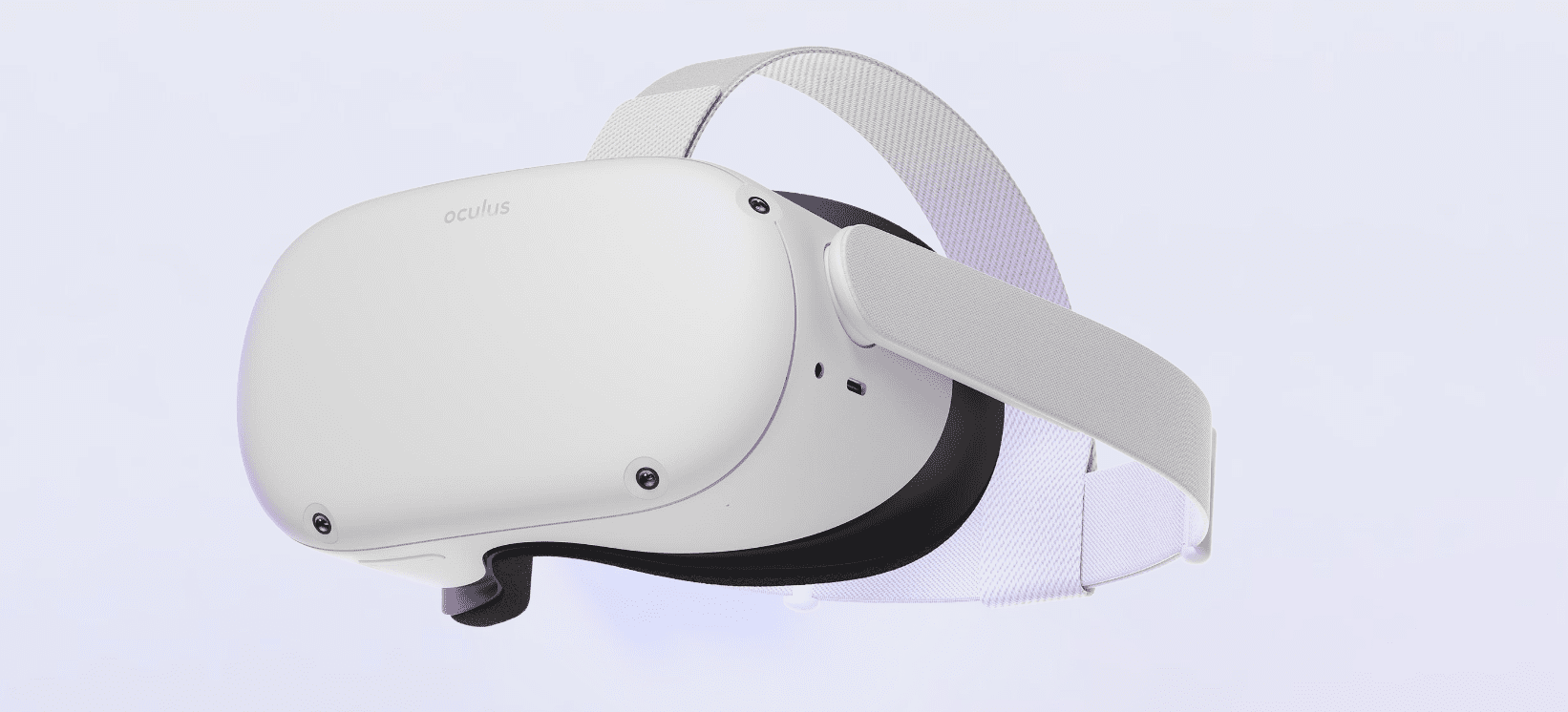
Getting Started
One day, I was browsing my phone and stumbled upon a review of the Oculus Quest 2 from around Double Eleven in 2021. I discovered that the Quest 2 had become more playable compared to when it was first released, and with the recent popularity of the "metaverse" concept promoted by Zuckerberg, I decided to get my hands on a Quest 2 to try it out.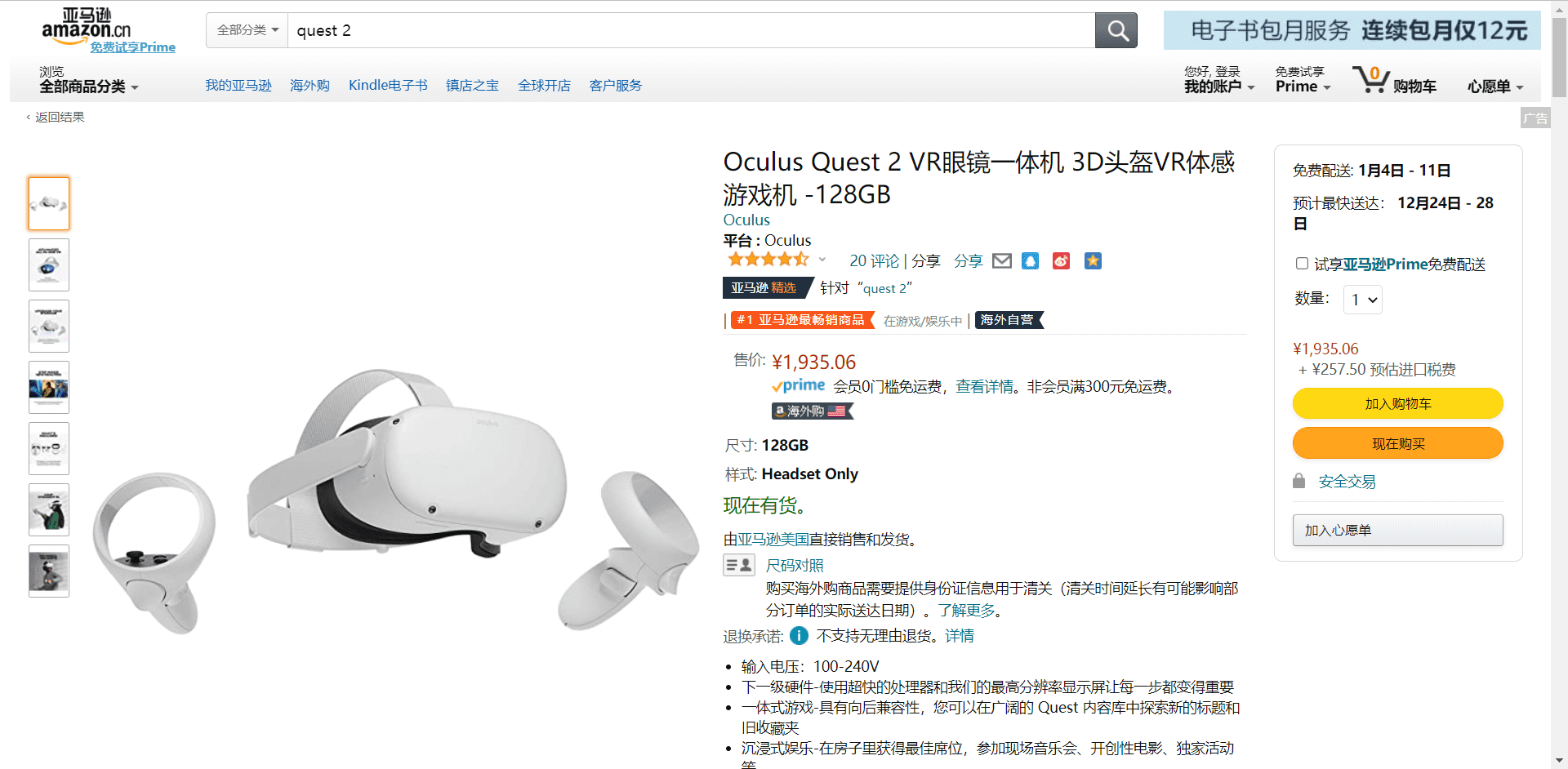
As it happened, the 128G version of the Quest 2 was available on Amazon's overseas purchase platform, including taxes and direct mail, for only 2100+, which was a better deal compared to certain merchants who were selling it for 2300-2500 with a premium. I chose to purchase it from overseas. Note that if you want to get it earlier, you can choose the Japanese version, but it will be more expensive than the US version. Since I wasn't in a hurry, I chose the US version.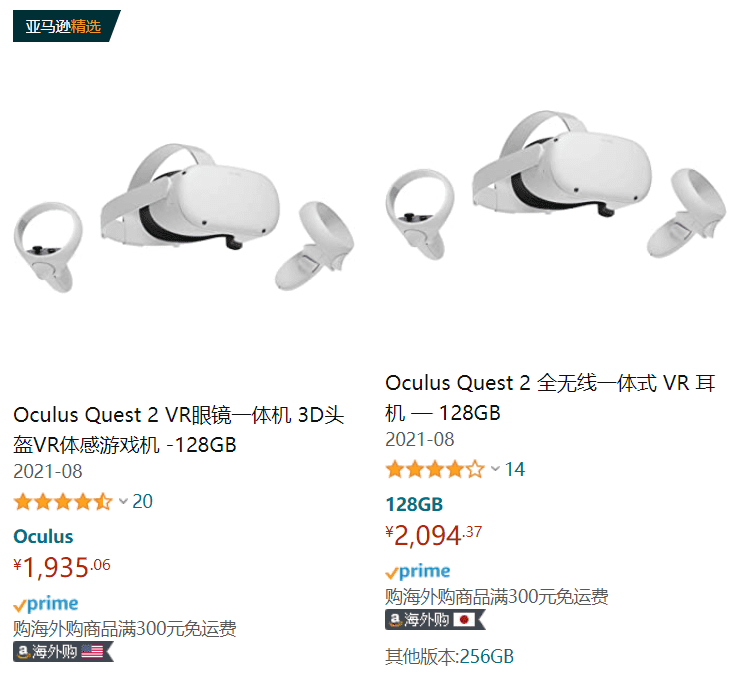
After placing the order, the actual shipping time took exactly one week. If you're not in a hurry to get it, Amazon's direct mail is very cost-effective: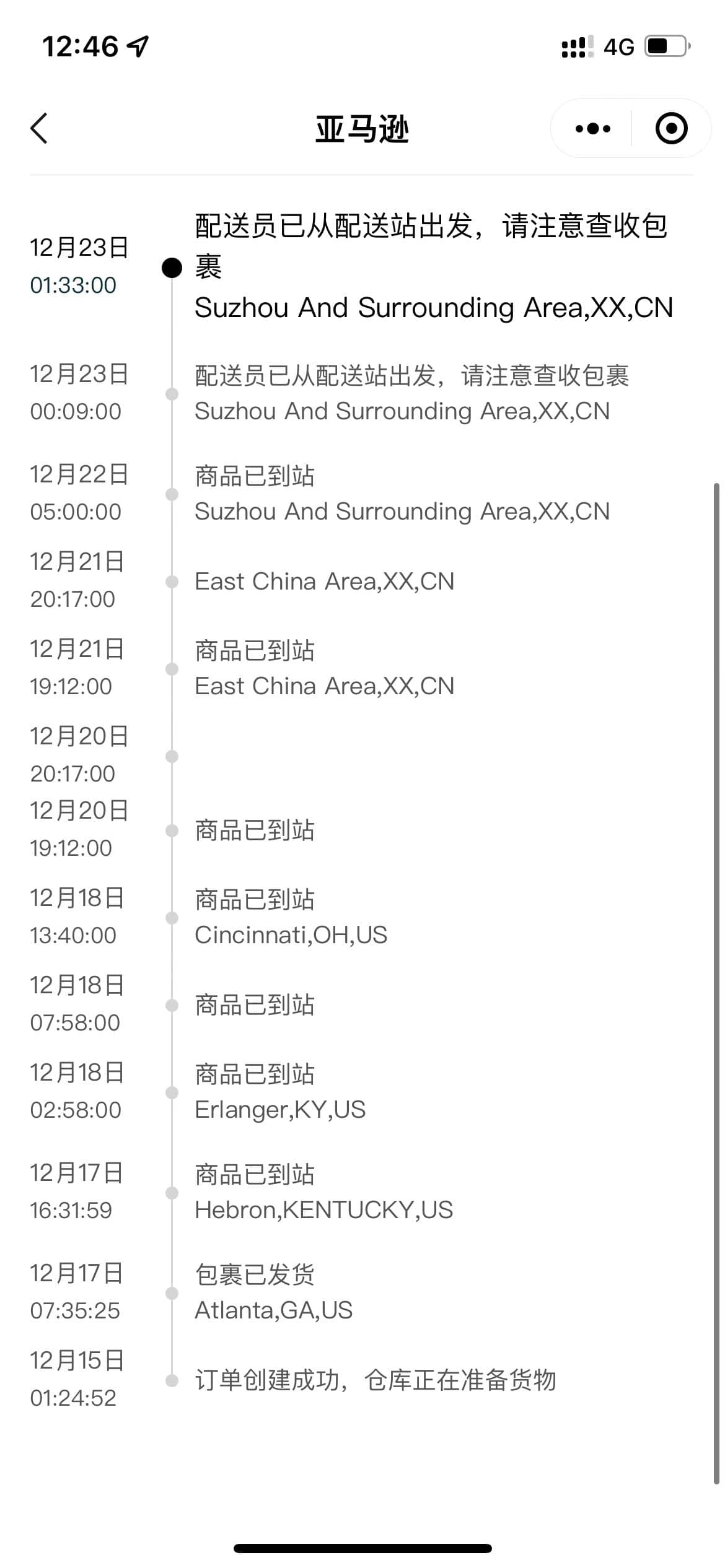
Unboxing
Registering an Account
Register for an Oculus developer account: https://developer.oculus.com/sign-up/
Create a developer Organization: https://developer.oculus.com/resources/publish-account-management-intro/%23create-an-organization
Downloading the App
Requires a US account
Downloading the Developer Hub
https://developer.oculus.com/blog/introducing-oculus-developer-hub/
Downloading the Driver
https://developer.oculus.com/downloads/package/oculus-adb-drivers/
Downloading SideQuest
https://questbx.com
Installing the required apps is very convenient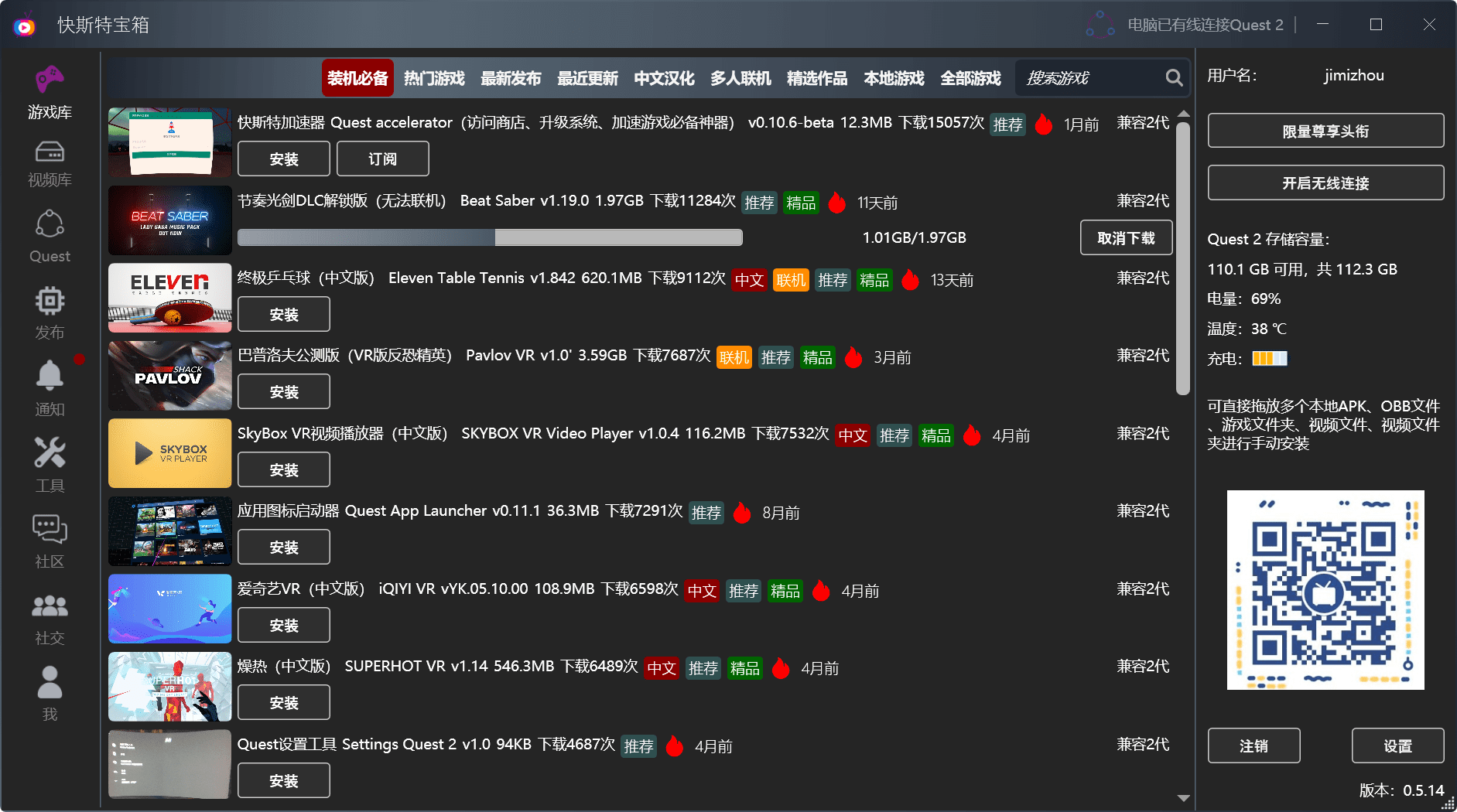
若无法加载请检查网络环境。
若无法加载请检查网络环境,或切回 Disqus 稍后再试。