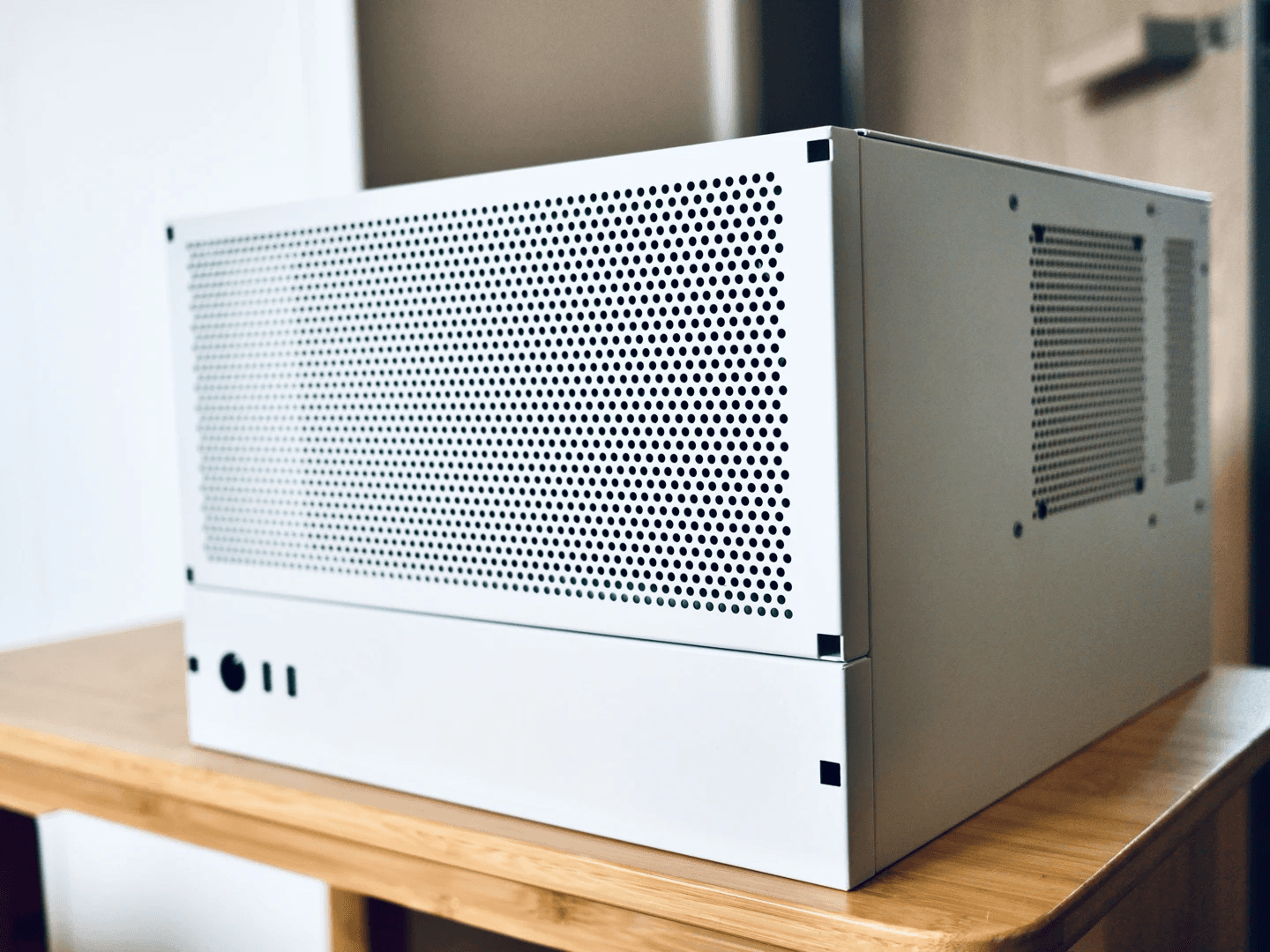
During the summer vacation, my original hand-built 4-bay NAS frequently overheated. After checking the market, I found that the price of the 10th generation ES was quite reasonable, so I decided to upgrade my Homelab AIO machine with a new workstation motherboard and a QTB3 processor for better heat dissipation and stability.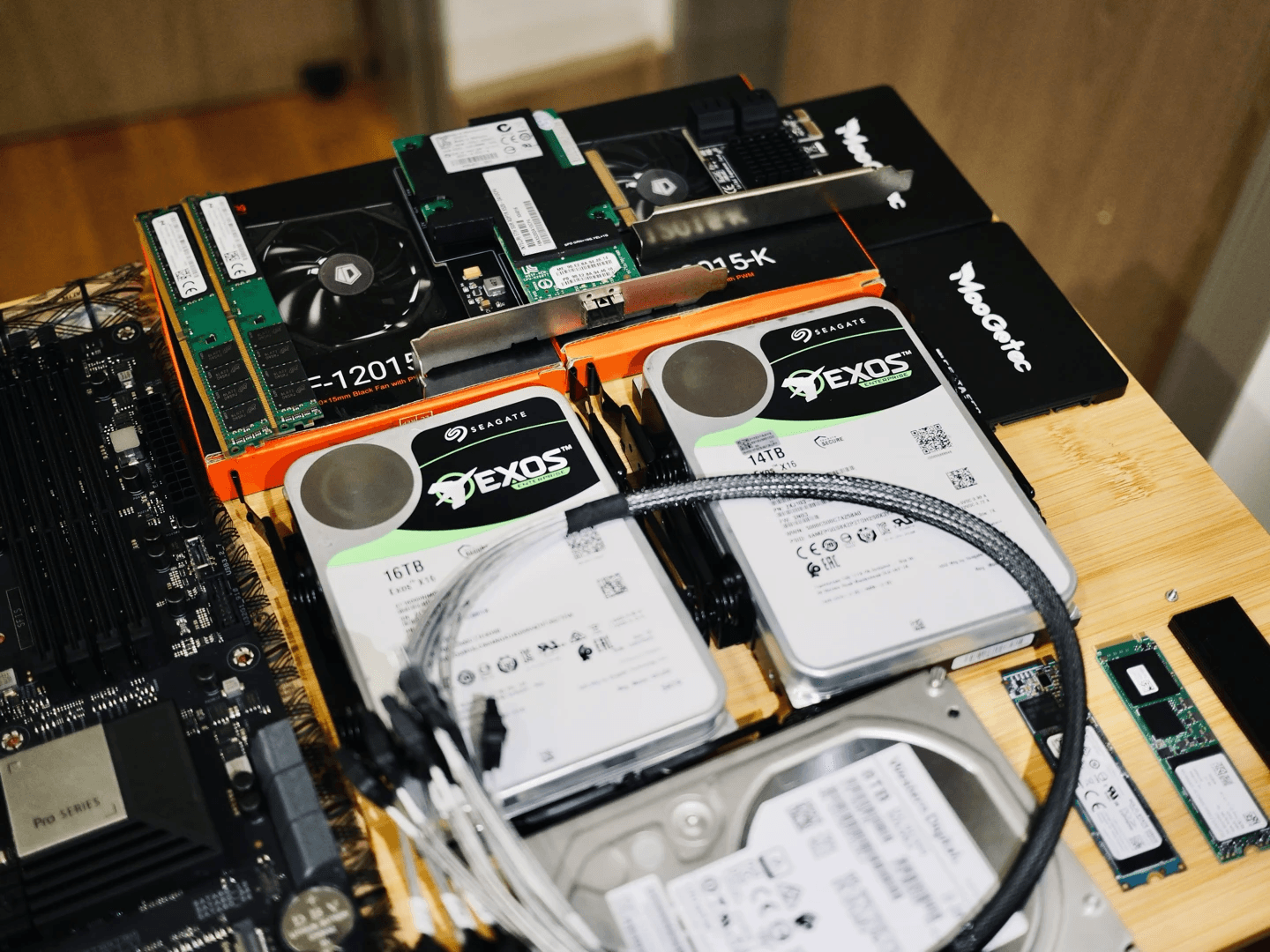
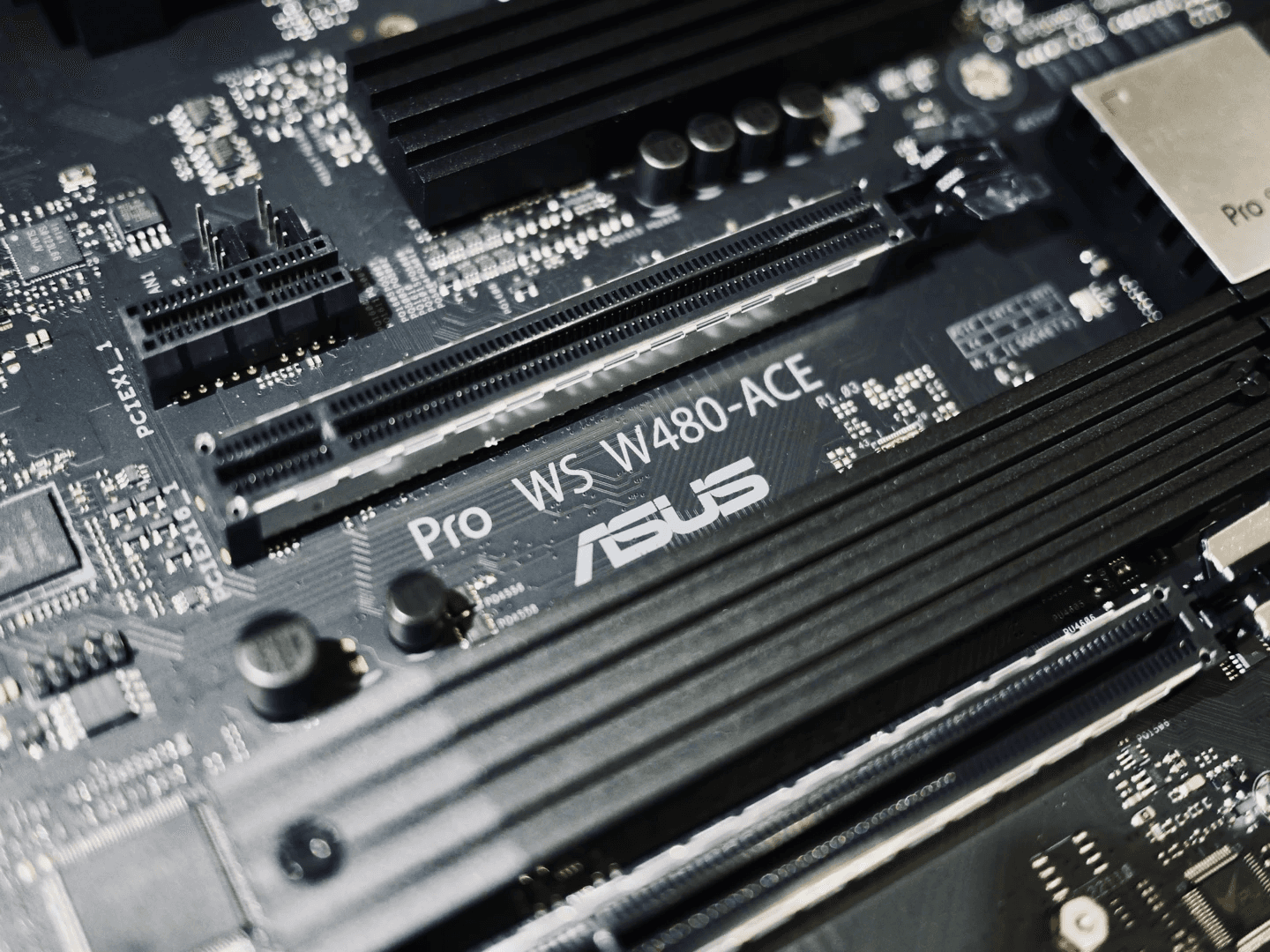
The motherboard is the ASUS Pro WS-W480 ACE, which supports ECC memory and out-of-band management, and comes with dual Thunderbolt 3 ports (although they do not coexist with the second PCIe X16 slot).
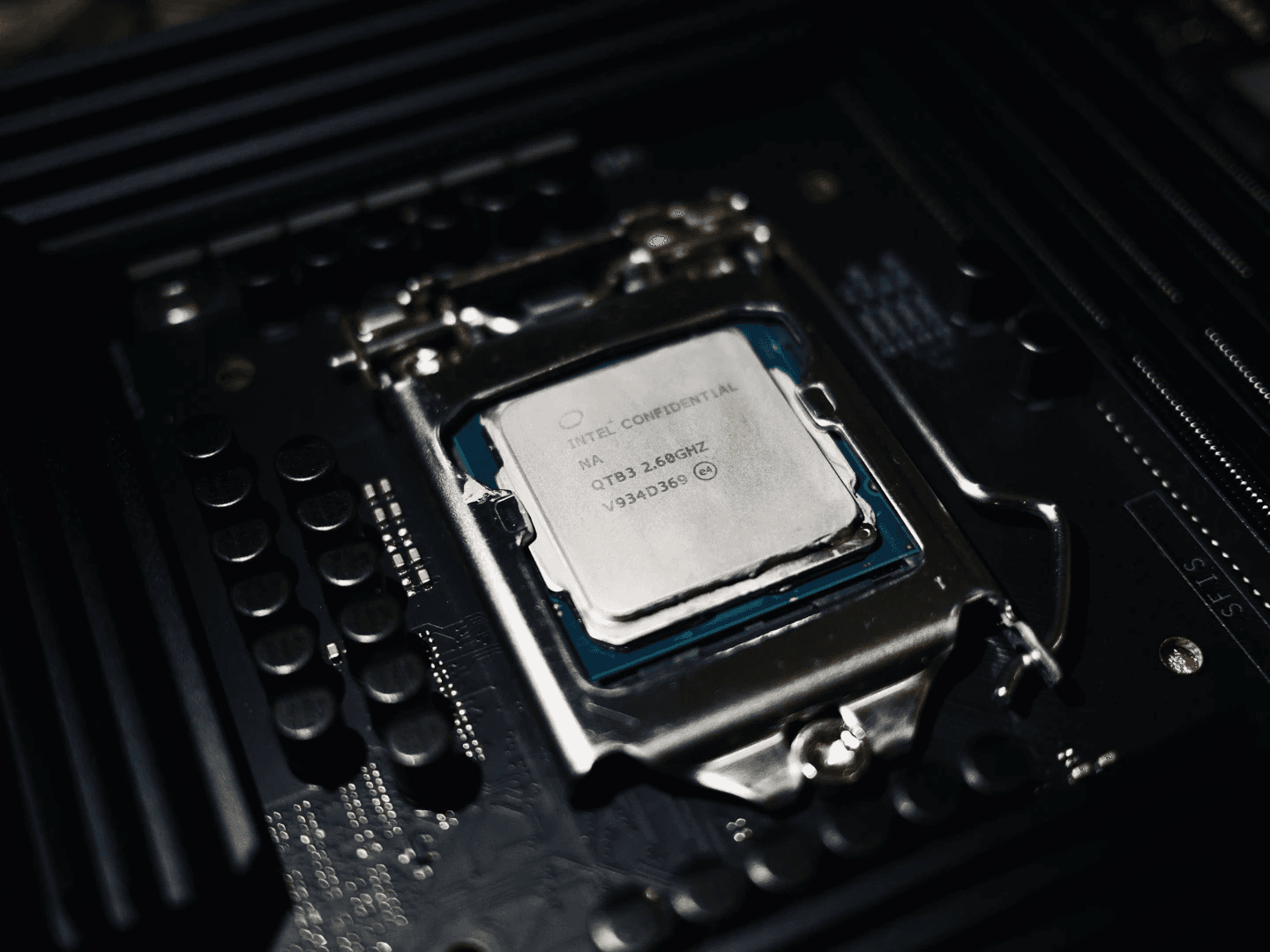
The processor is the Intel Xeon W-1290P ES version QTB3, which costs only RMB 390 and provides 10 cores, 20 threads, and a P630 integrated graphics core.
The network card is the onboard 2.5G + 1G RJ45 electrical port, which can be expanded to an OCP version X520 single-port 10G through a PCIe expansion card.
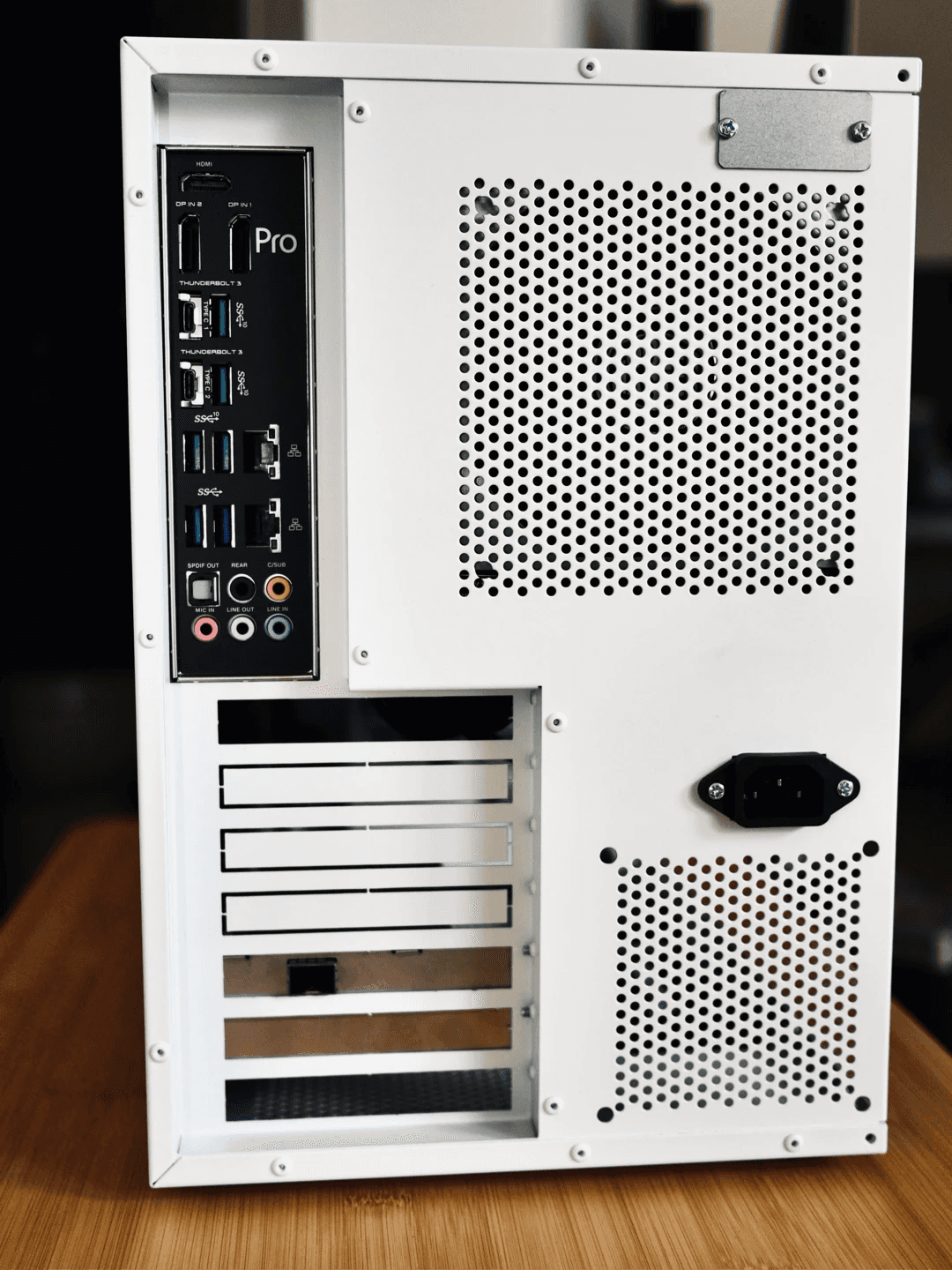
There are 6 onboard SATA ports, and an additional 4 ports can be added through a PCIe expansion card, providing a total of 8 mechanical and 2 SATA solid-state drive bays, with the possibility of further expansion.
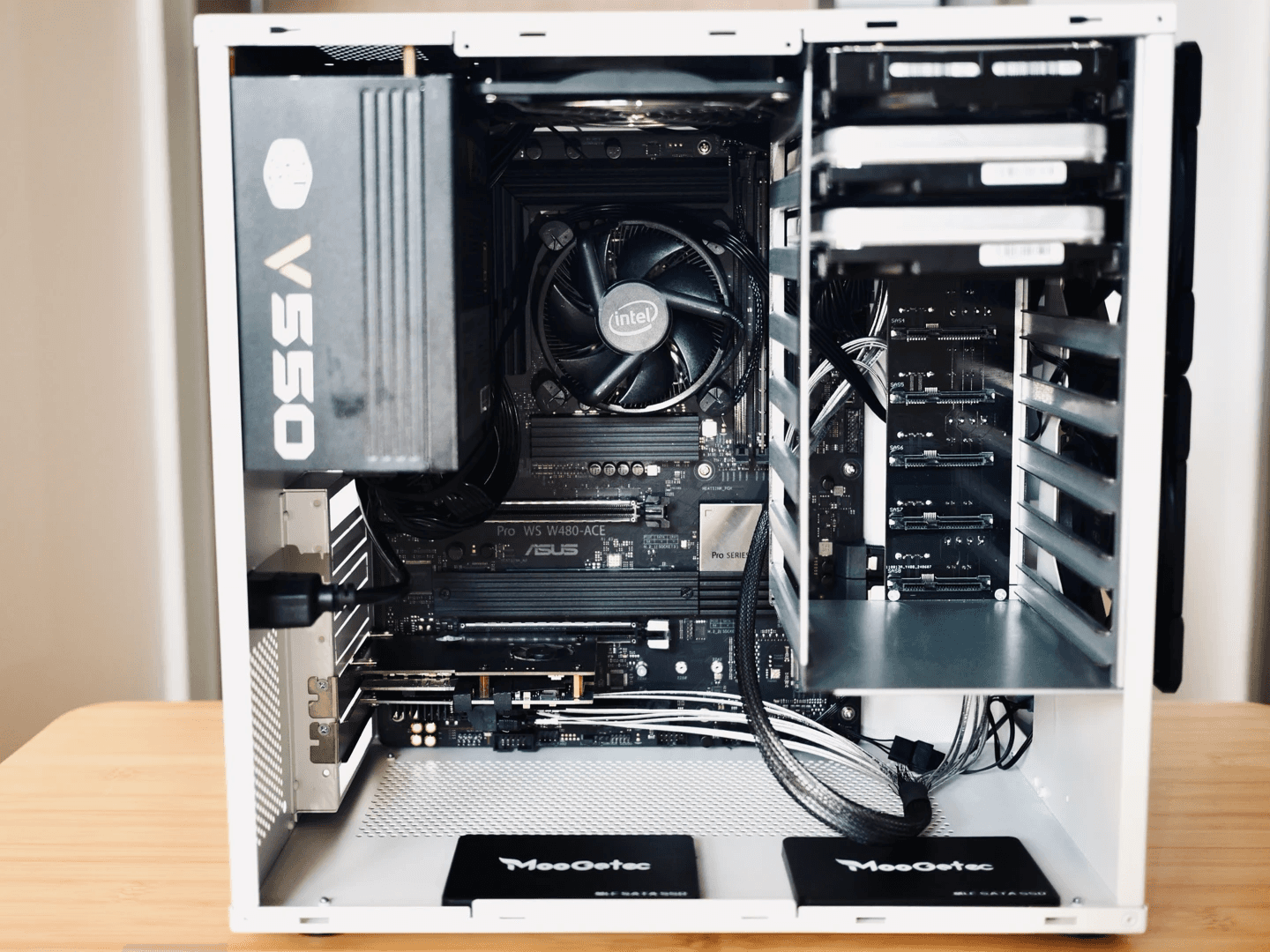
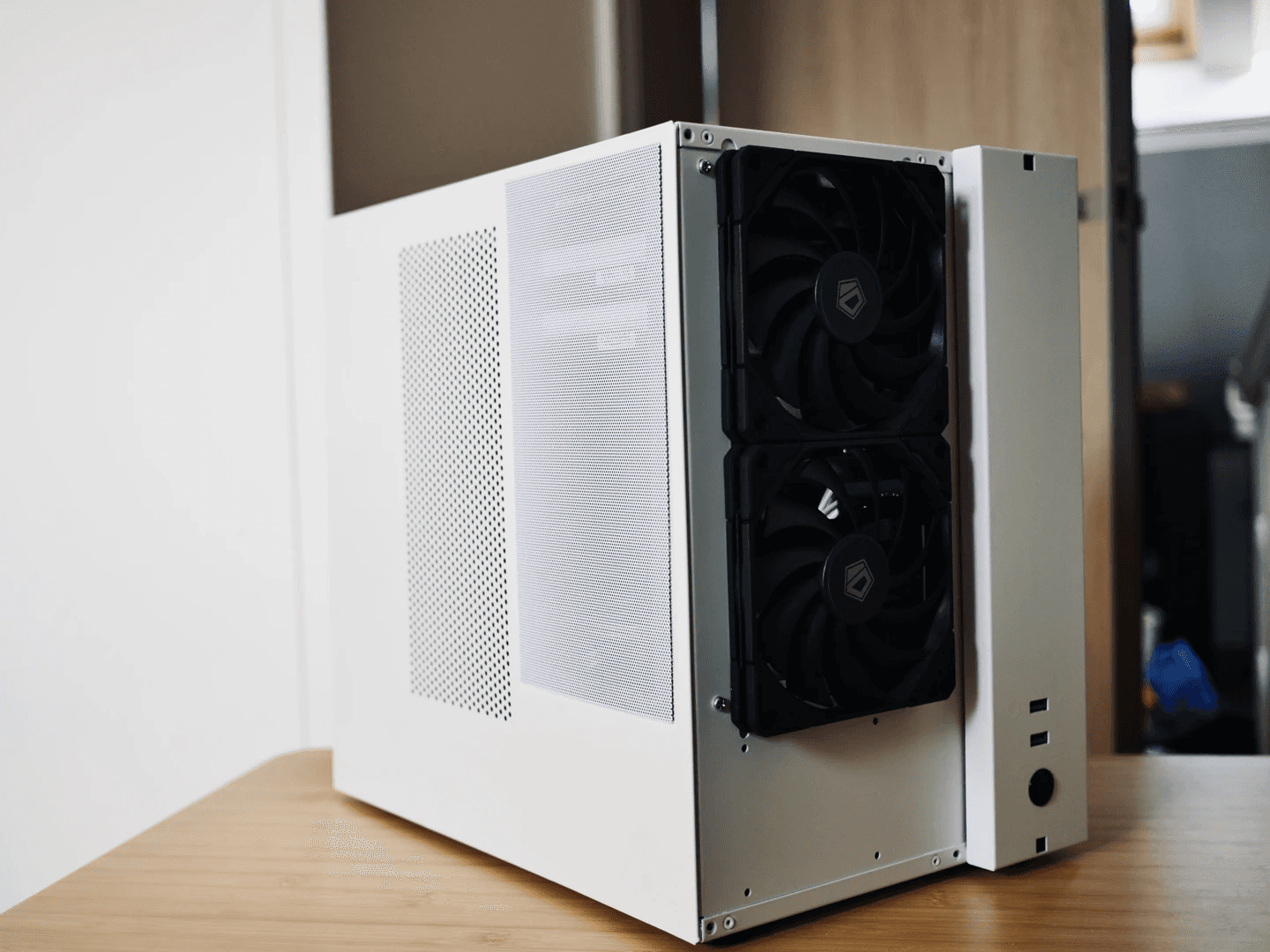
The case is a cube-shaped ATX case that supports a large power supply, with two 12015 fans in the front for heat dissipation, and the hard drive temperature is around 40°C (the ambient temperature in the attic was close to 30°C at the time).
The operating system installed is Synology DSM 7.2.2, although Synology's VMM virtual machine platform is relatively weak, physical installation is more in line with my preferences and makes it easier to migrate from my previous 4-bay NAS.
In the VMM, I installed:
- Win10 Lite: for fishing, maintenance, and installing some cloud disk clients to facilitate resource transfer
- Ubuntu 24.04: as a development environment
- fnOS: an excellent domestic NAS system, which can be experienced through virtual machine installation and has a good scraping service
In the Container Manager, I installed:
- Jellyfin: can call QTB3's P630 core to hard-decode and stream video
- Jellyseer + Sonarr + Radarr + Prowlarr: integrate and categorize audio and video resources
- qBittorrent: BT download
- immich-cuda: self-built open-source photo album service, supports GPU acceleration
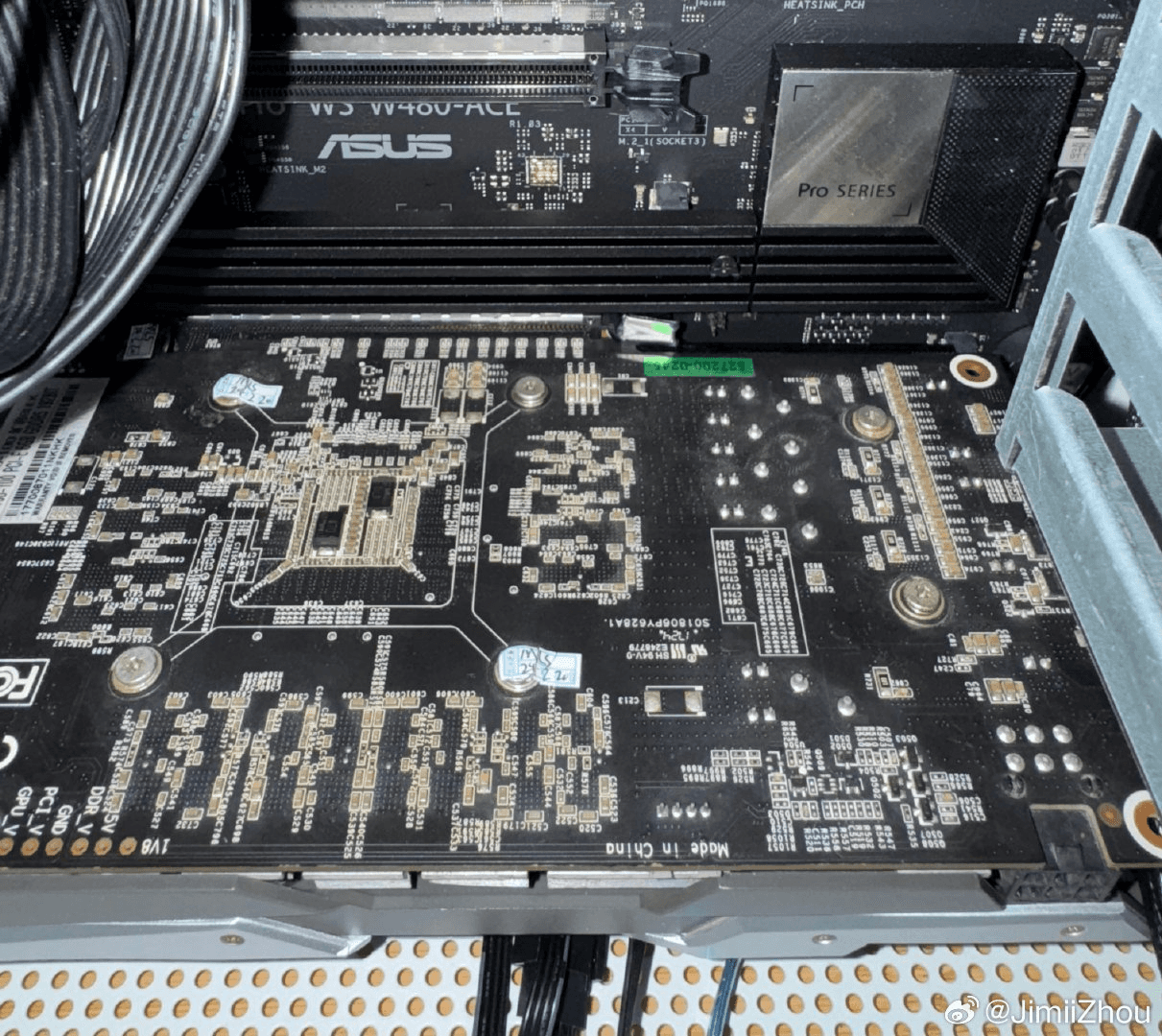
After completing the NAS hardware migration, due to the need to re-index and categorize a large number of photos, I migrated the photo management platform from Synology's built-in Photos to self-built immich, and added a P106 mining graphics card to run machine learning tasks, such as face recognition and photo theme classification in immich. This P106 graphics card, which costs 90 yuan, performs well in acceleration tasks and is much faster than pure CPU operation when processing over 60,000 disorganized photos.
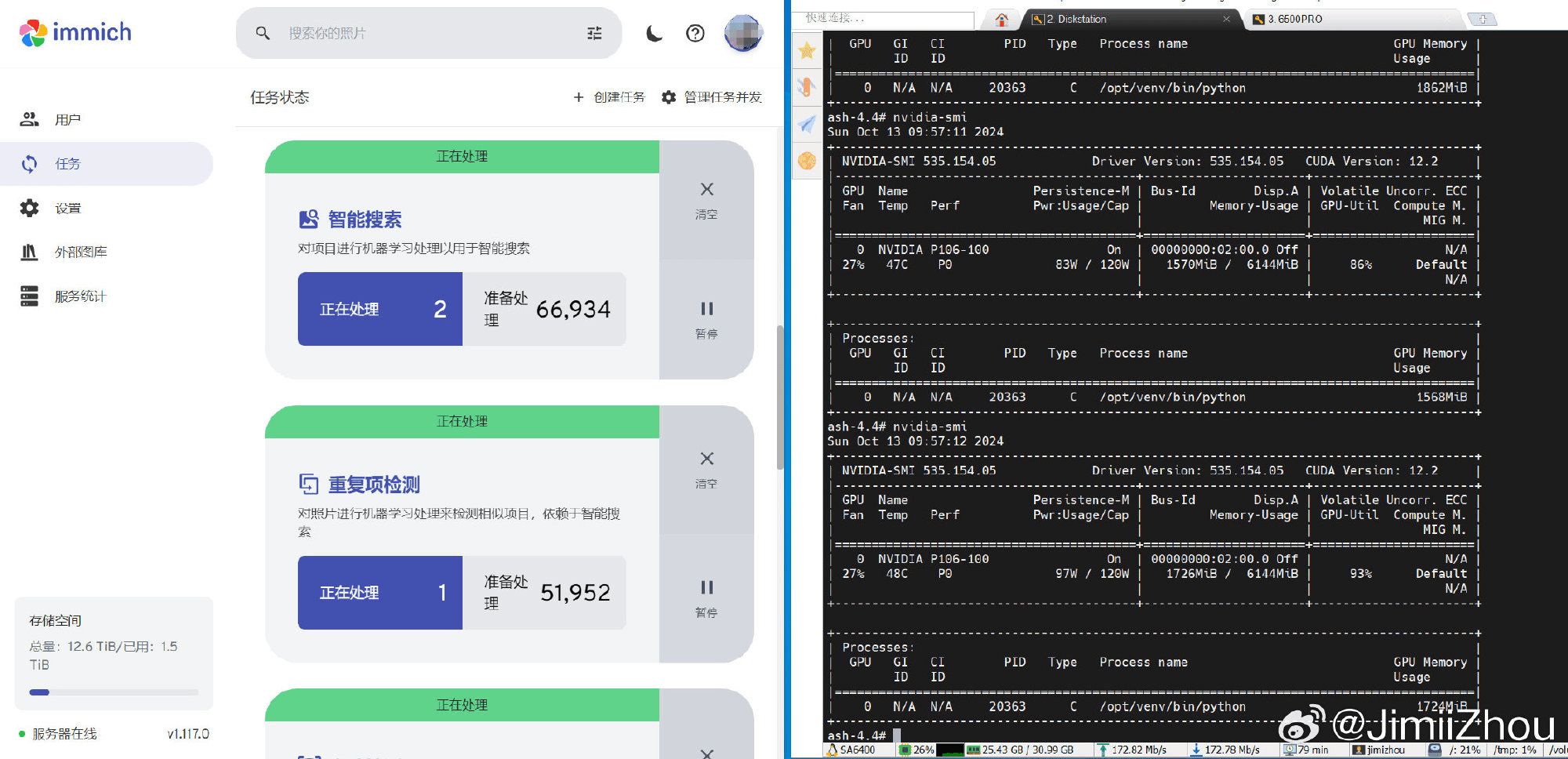
In the case of full CPU and GPU load, I also tested the power consumption of the entire machine, which reached an astonishing 228W.


In standby mode, without hard disk hibernation, and with the CPU power policy set to powersave, the power consumption is around 80-90W, with an average daily power consumption of 2.5 degrees, which is within an acceptable range.
若无法加载请检查网络环境。
若无法加载请检查网络环境,或切回 Disqus 稍后再试。