Source: Airdrop Wikipedia Page
When transferring photos and videos between iPhones, or between iPhones and MacBooks, it's convenient to use Airdrop. However, since I've been using Linux frequently, I sometimes need to access certain images on my phone. If I use the web version of WeChat or Electron WeChat to transfer files, I need to scan a QR code to log in, which is very troublesome and time-consuming. Additionally, the files will be stored on TX's servers in the "File Transfer Assistant".
Recently, I stumbled upon Snapdrop on Github, which is a great tool. Based on WebRTC (iOS devices use WebSocket) and NodeJS, it can establish a P2P connection between any devices on the local network through a browser. This means that whether you're using Android, Linux, macOS, or Windows, you can easily transfer photos and any files using Snapdrop, without any intermediate servers, and with point-to-point transmission, which is really great!
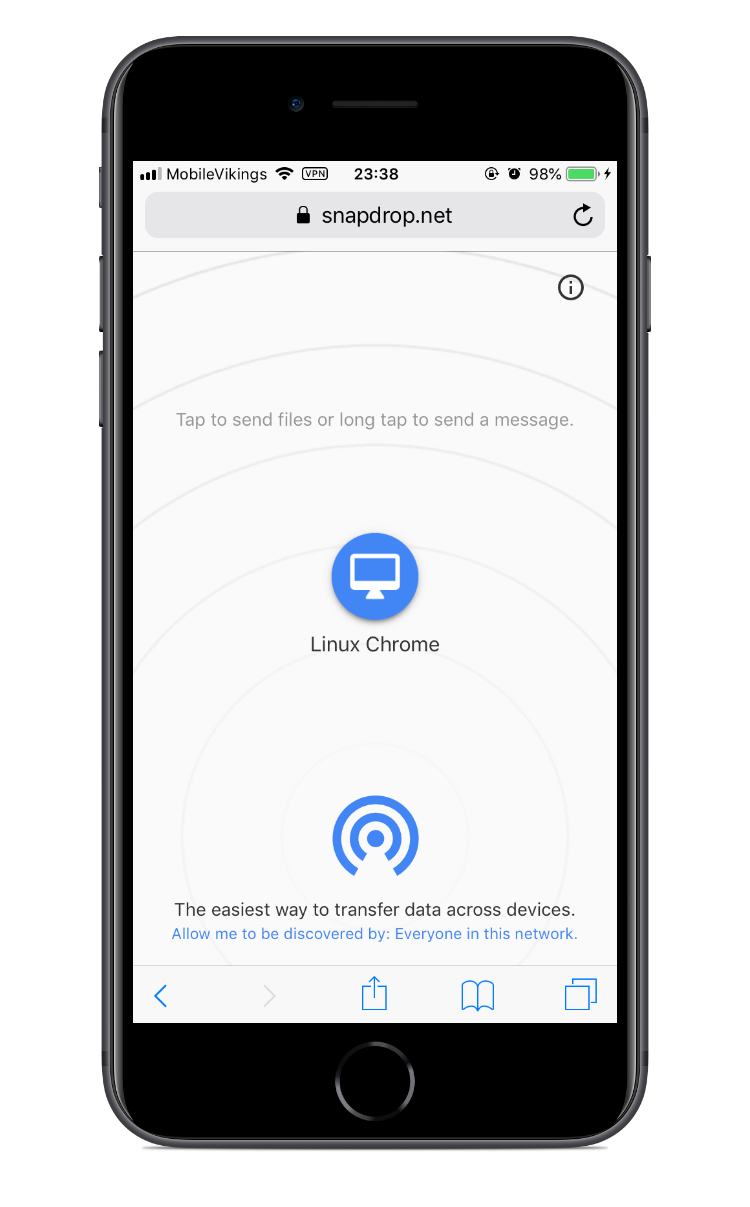
Snapdrop iOS Interface
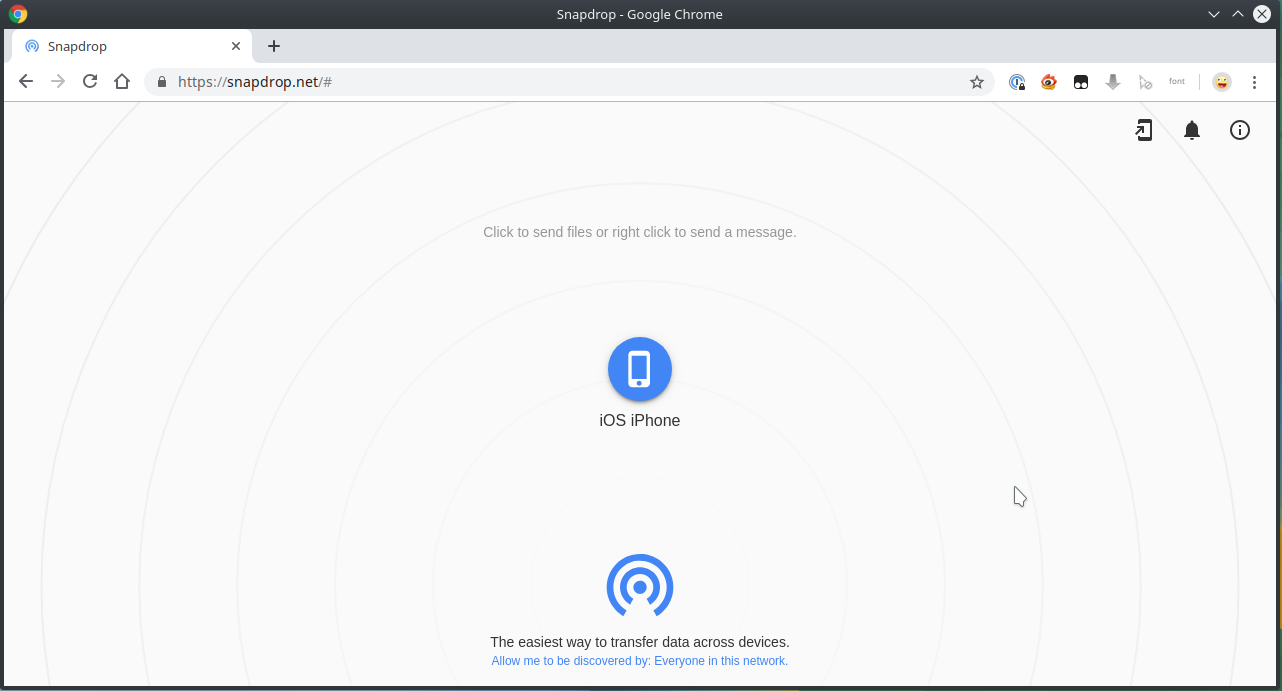
Snapdrop on Linux Chrome Browser Interface
若无法加载请检查网络环境。
若无法加载请检查网络环境,或切回 Disqus 稍后再试。